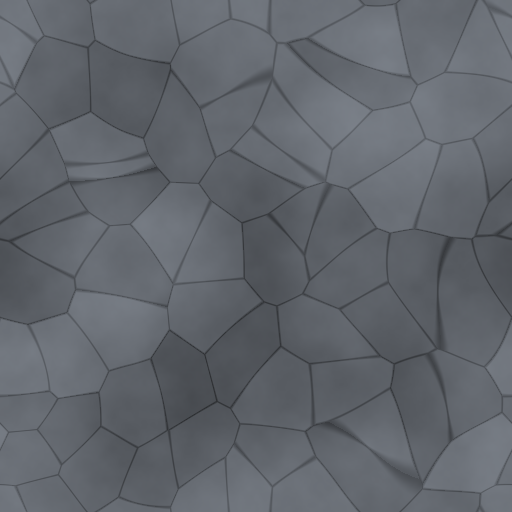
Flat image.
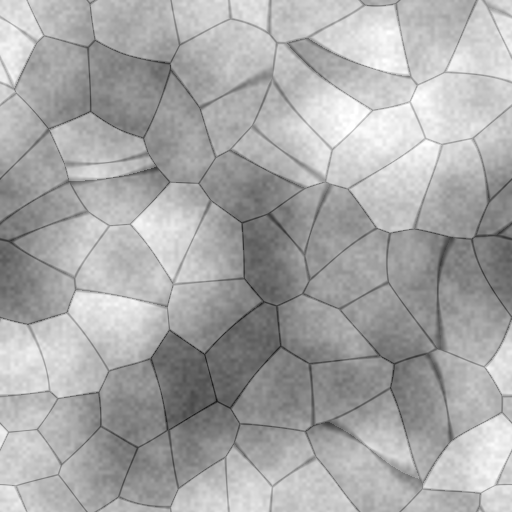
Meet real depth.
Generate height and normal maps. Shape broad relief and bring out the smallest surface details.
HEIGHT + NORMALTurn a flat image into a material with depth.
Create, refine, and export PBR textures in one focused desktop app.
 NORMIX / Slate studyTexture workspace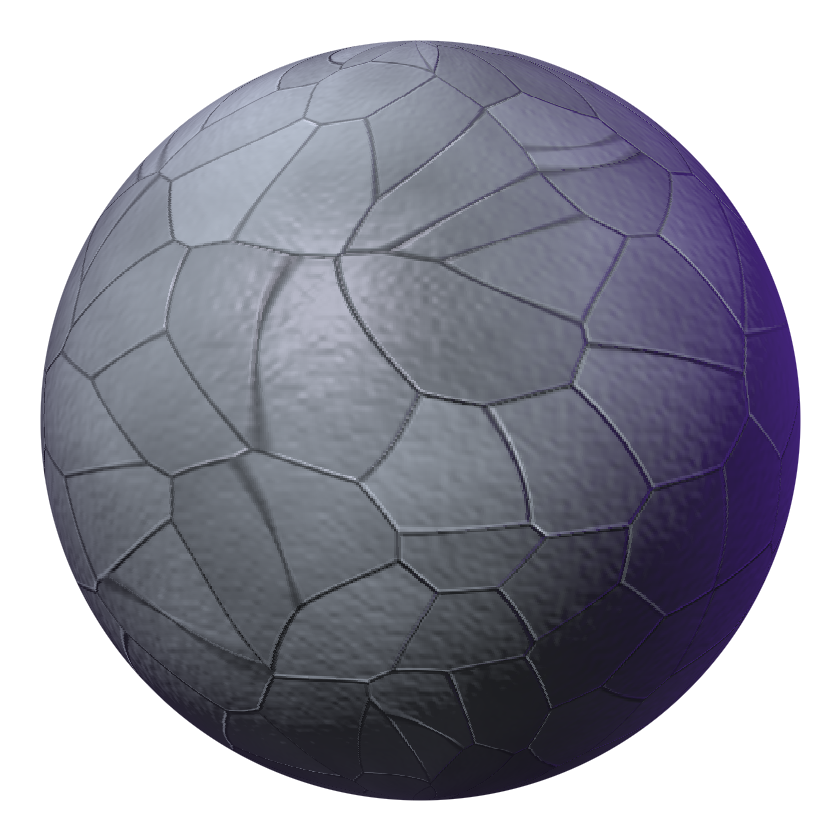
Normix is a desktop PBR texture editor for artists who care about the details.
Give your textures depth, shape their response to light, and keep every map working together. From your next game environment to your next 3D close-up, it all starts with the surface.
All the maps you need.
All the control that matters.
Generate height and normal maps. Shape broad relief and bring out the smallest surface details.
HEIGHT + NORMALFine-tune base color and roughness for the look and light response your material needs.
Organize your material with layers. Refine individual elements while keeping the whole picture in view.
Keep useful settings close with presets. Spend more time exploring and less time repeating adjustments.
Connect your image editing and PBR workflow with the Normix Photoshop Bridge.
A focused PBR workflow, from the first import to the final map. Export your work and bring it into your next 3D project.
Explore the building blocks of a material.
Pick a map. See what it brings to the surface.
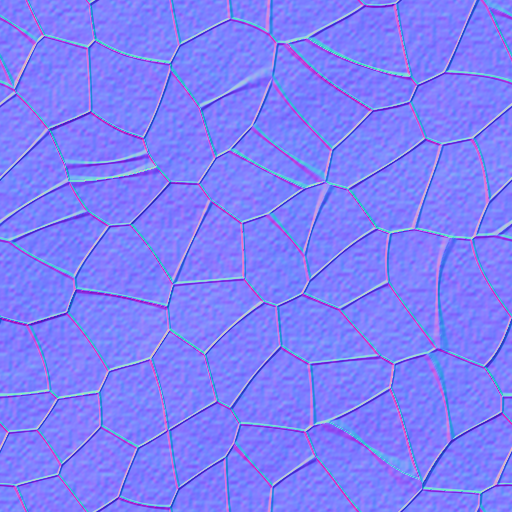
A normal map changes how light reacts to your surface. Bring out grooves, grain, and subtle relief without adding geometry.
Original procedural sample. Free to explore and use.
A clear path from your first idea
to a texture ready for your project.
Import an image and give your next material a starting point.
Work with color, height, normal, and roughness in one place.
Balance surface depth, refine layers, and find the finish you want.
Export your maps and take the material into your 3D workflow.
Choose a subscription inside Normix.
The same creative toolkit, on your schedule.
Billed monthly in the app.
Activate your subscription inside Normix.
About $8.33 / month, billed annually in the app.
Activate your subscription inside Normix.
Prices in USD. Review the full subscription terms in the app before purchasing.
Get to know your next creative tool.
Normix is a desktop application for creating and editing PBR textures. Work with base color, generate height and normal maps, and fine-tune roughness in a focused workspace.
Normix is designed for 3D artists, game developers, and digital creators who need control over the surfaces in their projects.
Yes. The Normix Photoshop Bridge connects Photoshop with your texturing workflow. The Bridge is installed separately from the desktop application.
Subscriptions are purchased inside the Normix application. Open the app to choose the monthly plan at $10 USD or the yearly plan at $100 USD. This website does not process purchases.
Refer to the subscription management options and terms provided inside Normix. Review the renewal and cancellation conditions before you purchase.
Yes. Normix works with the core material maps used in PBR workflows: base color, height, normal, and roughness. Export your maps for use in your 3D projects.
Normix is built for Windows. Public download availability will be listed here when the release installer is ready.
Your next material has more to it. Bring it out with Normix.
Created for artists. Built for detail.